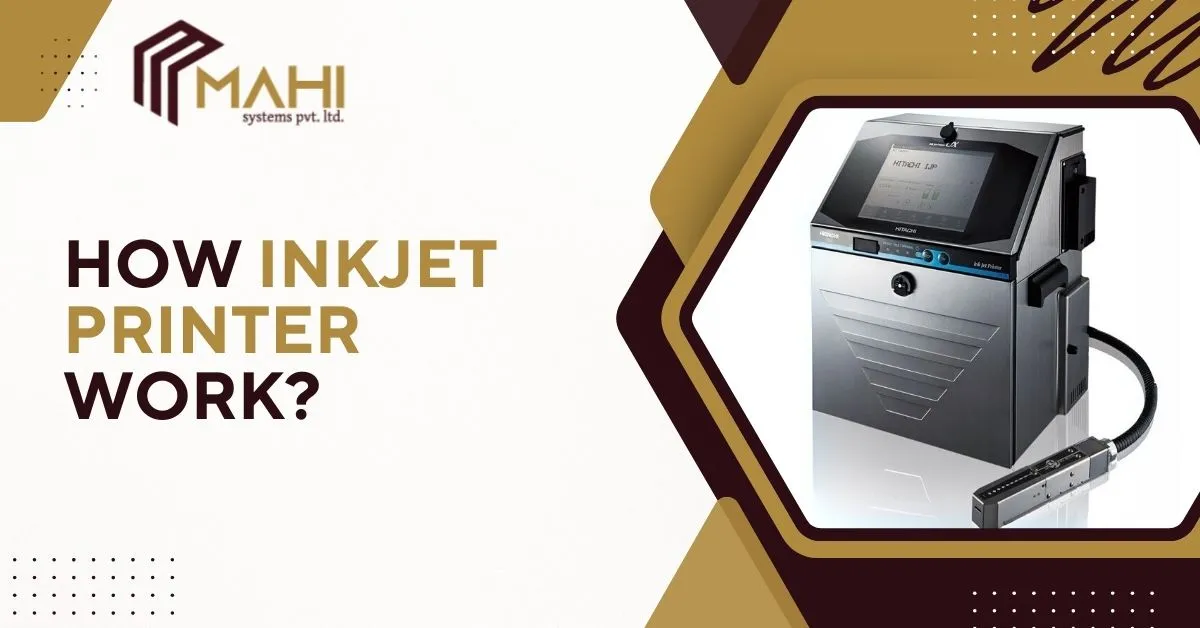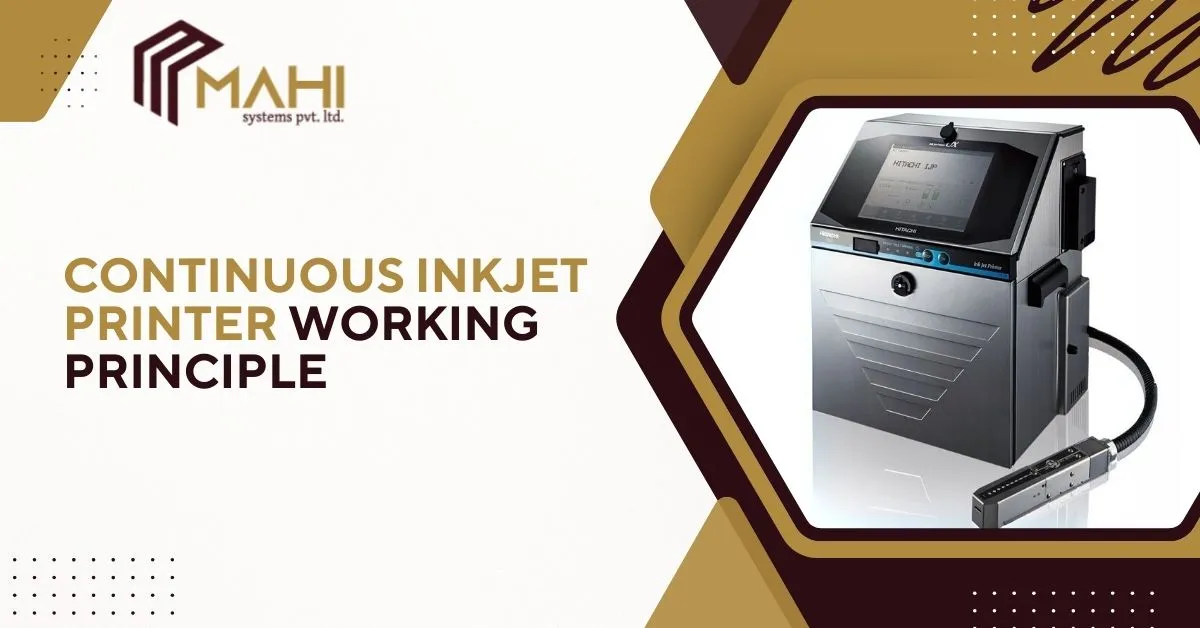
Industrial product identification is critical for traceability, compliance, and brand protection. From expiry dates to…
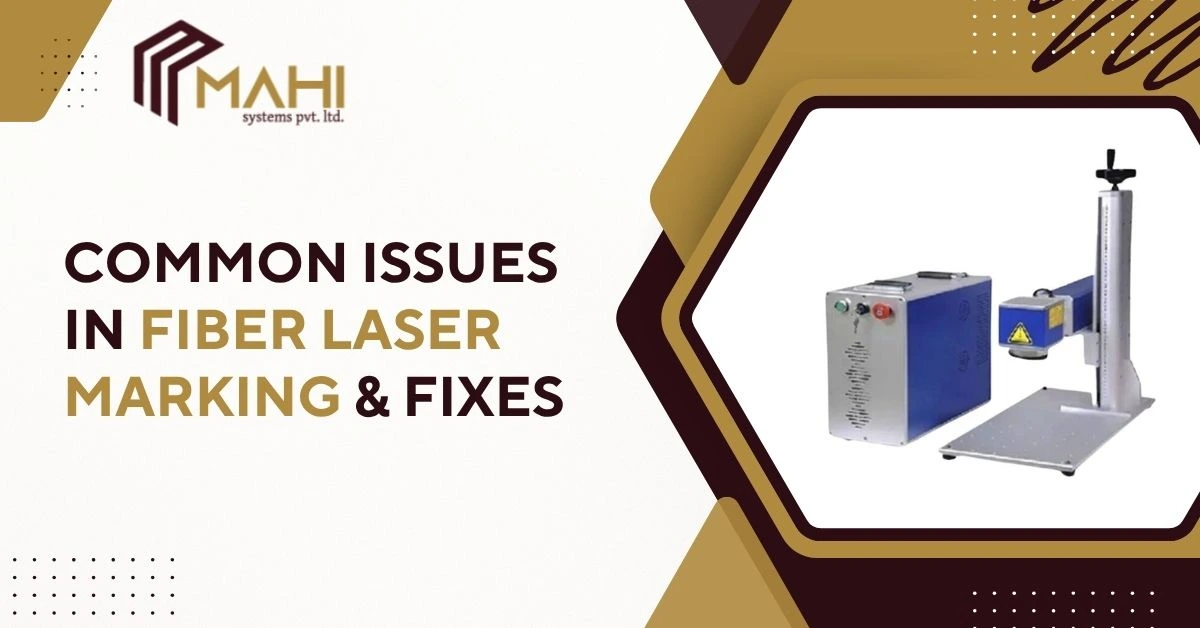
Fiber laser marking machines are the backbone of modern industrial marking thanks to their precision, speed, and durability. However, even the most advanced systems can encounter problems over time. These issues can reduce mark quality, slow down production, or create inconsistencies in engraving results. This guide explains the most common fiber laser marking issues, why they occur, and practical fixes you can apply immediately to restore clean, sharp, and high-contrast marks.
How Fiber Laser Marking Works
A quick primer to understand what parts and settings most commonly affect marking quality. Fiber laser marking uses a high-intensity, fiber-delivered laser beam controlled by galvanometer scanners (galvos), optics (F-theta lens, focusing head), and software to ablate, anneal, or color surfaces. Key variables: laser power, pulse frequency, marking speed, focal distance, lens type, and material properties.
Common Issues in Fiber Laser Marking & Their Fixes
Troubleshooting starts with knowing which variable (power, focus, optics, or software) is causing the symptom. Every fiber laser marking machine behaves differently depending on configuration and maintenance, so recognizing early symptoms leads to faster solutions.
Below each problem you’ll find typical causes and clear, actionable fixes.
Poor Marking Quality or Faded Marking
A fiber laser marking machine needs clean optics and accurate focus to deliver full power to the material surface and produce high-contrast marks.
Causes
- Laser power too low for the material or coating
- Marking speed too high (laser passes too fast)
- Beam out of focus (Z-axis misalignment)
- Dirty or damaged lens/protective window
- Material surface or coating not laser-compatible
Fixes
- Increase power incrementally while running a small test pattern.
- Slow marking speed or increase the number of passes.
- Re-focus the beam: use a test grid or auto-focus routine if available.
- Clean optics (follow manufacturer guidance — use lint-free optical wipes and appropriate solvent).
- Confirm material compatibility; switch to a marking method (e.g., chemical etch or different laser type) for incompatible coatings.
Deep Engraving Not Achieved
A fiber laser marking machine requires optimized speed, energy density, and lens selection to achieve deep, sharp engraving results.
Causes
- Power or pulse energy too low
- Pulse frequency not optimized for material removal
- Marking speed too high or insufficient passes
- Wrong spot size or lens
Fixes
- Increase average power or pulse energy (MOPA users: adjust pulse width).
- Lower scan speed and/or increase line spacing for deeper cuts.
- Use multiple passes with slight Z adjustments if necessary.
- Select a lens that provides an appropriate spot size for deeper ablation.
Pro tip: For metals, moderate frequency with higher pulse energy often produces deeper, cleaner engraving.
Dark or Burnt Edges
A fiber laser marking machine must be properly balanced between power and speed to avoid overheating and burning sensitive materials.
Causes
- Excessive power for the material
- Marking speed too slow (overexposure)
- Poor beam overlap or incorrect hatch settings
- Wrong focal position (too close)
Fixes
- Reduce laser power and raise speed, test in small increments.
- Increase hatch spacing or adjust overlap to avoid localized heating.
- Recalibrate focus to the recommended focal distance.
- Use anti-burn strategies: lower duty cycle, shorter pulse duration, or air assist/cooling when applicable.
Note: Plastics and coated metals are particularly sensitive — always test.
Marking Position Misalignment
Consistent alignment depends on the mechanical stability of a fiber laser marking machine, making regular calibration essential.
Causes
- Loose or mis-aligned galvo mirrors or mounts
- Workpiece fixture or clamp shift
- Software coordinate or origin offset error
- Thermal drift after long runs
Fixes
- Tighten galvo mounts and inspect mirror surfaces for damage.
- Use reliable fixtures and reference points (dowels, pins) rather than tape or adhesives.
- Verify software coordinate origin and re-set the workpiece zero.
- For long production runs, allow machine to warm up and re-check alignment periodically.
Checklist: After a fixture change, always run a quick alignment check pattern.
Laser Doesn’t Mark the Material
Proper material selection and power configuration ensure that a fiber laser marking machine can create visible, reliable marks on different surfaces.
Causes
- Zero or near-zero power setting in software
- Material is not absorbent at the fiber laser wavelength (e.g., some plastics or glass)
- Focus too far from surface
- Faulty or blocked beam path / safety interlocks triggered
Fixes
- Verify software power settings and ensure the laser is unmuted.
- Check material suitability — consider surface pre-treatment (e.g., marking sprays, coating removal) or a different laser type.
- Reposition the focus at the recommended Z distance.
- Inspect beam path, windows, and interlocks; check for error codes in the controller.
Safety reminder: Never bypass safety interlocks.
Distorted or Wavy Marking Lines
The fiber laser marking machine must remain vibration-free and well-calibrated to produce precise, straight, undistorted lines.
Causes
- Galvo motor issues or mirror defects
- Vibrations from machinery or unstable table
- Incorrect F-theta lens for the marking field
- Electrical interference or grounding issues
Fixes
- Inspect galvo motors for unusual noise or slipping; recalibrate or replace as needed.
- Stabilize the workstation: use vibration-damping mounts, isolate heavy equipment.
- Confirm lens field coverage — larger fields may need different optics.
- Improve grounding and cable routing to reduce electrical noise.
Diagnostic: Run a continuous straight-line test at various speeds to isolate whether distortion is mechanical or optical.
Need help optimizing your fiber laser marking machine for best results?
Contact us and our specialists will assist you with the right solutions.
Overheating of Fiber Laser Machine
Cooling efficiency is critical for any fiber laser marking machine, ensuring stable performance during long marking sessions.
Causes
- Poor ventilation or blocked airflow
- Chiller/water cooling failure or low coolant level
- Long continuous cycles without rest
- Dust and debris buildup in cooling fins
Fixes
- Ensure adequate ventilation and clear air intakes.
- Check chiller temperature, flow rate, and coolant level; service according to manufacturer schedule.
- Implement duty cycles—give the system short rests during heavy jobs.
- Clean dust from cooling fins and fans; inspect for coolant leaks.
Monitoring: Install a temperature log to catch gradual overheating before it causes shutdowns.
Laser Creates Uneven or Patchy Marks
A fiber laser marking machine relies on clean optics and controlled pulse timing to deliver uniform marking quality.
Causes
- Dirty optics or protective windows
- Incorrect pulse frequency or Q-switch timing
- Inconsistent material surface finish (dissimilar areas reflect/absorb differently)
- Beam profile degradation
Fixes
- Clean or replace protective windows and lenses.
- Tune frequency and pulse parameters to match the material.
- Standardize surface finish (polish, grit, or pre-treatment) before marking.
- If beam quality is poor, inspect fiber coupling and source health (power meter readings).
Best practice: Keep a log of settings that produced acceptable contrast for each material.
Quick Troubleshooting Chart for Fiber Laser Marking Issues
| Problem | Likely Cause | Quick Fix |
| Faded marking | Low power, out of focus, dirty optics | Increase power, refocus, clean lens |
| Burnt edges | Power too high, slow speed | Reduce power, increase speed, adjust hatch |
| Misaligned marking | Galvo, fixture, or software offsets | Tighten galvo, secure fixture, reset origin |
| No marking | Wrong material, zero power, out of focus | Check compatibility, verify power, refocus |
| Distorted lines | Vibration, galvo faults | Stabilize table, inspect galvo/mirrors |
| Overheating | Poor cooling, blocked vents | Improve ventilation, service chiller |
Preventive Maintenance Tips to Avoid Future Problems
Routine care extends the lifespan of a fiber laser marking machine and significantly reduces downtime. Proactive maintenance prevents most common failures and keeps mark quality consistent.
- Clean lenses & protective windows weekly (or more often in dusty environments).
- Perform monthly galvo calibration and alignment checks.
- Verify chiller and coolant levels regularly; schedule annual coolant replacement.
- Keep the workbench rigid and free of vibration sources.
- Maintain a settings log for each material and product variant.
Run test coupons after any major maintenance, software update, or fixture change.
Frequently Asked Questions
Usually due to low power, incorrect focus, or dirty optics. Increase power, refocus, and clean lenses; run a material test.
Lower power, increase speed, reduce overlap, and test different hatch settings. Use cooling/air assist if available.
Verify software power, check focus, confirm material compatibility with fiber wavelength, and inspect beam path/interlocks.
Clean optics weekly in regular use, inspect galvos monthly, and service cooling systems per the manufacturer (typically annually).
Misalignment stems from loose galvos, shifting fixtures, or wrong software origin. Tighten mounts, secure fixtures, and reset coordinates.
Yes — increase power, lower frequency (or increase pulse energy), reduce speed, or use multiple passes with the right lens and spot size.
Conclusion
Fiber laser marking machines deliver speed and permanence, but even small errors in power, focus, optics, or fixturing can dramatically affect results. Use the diagnostic steps and fixes above to identify root causes quickly, maintain consistent quality with regular maintenance, and keep a materials/settings log to accelerate troubleshooting in production. With a little preventive care and methodical testing, most common fiber laser marking issues are easy to resolve.
Related Posts