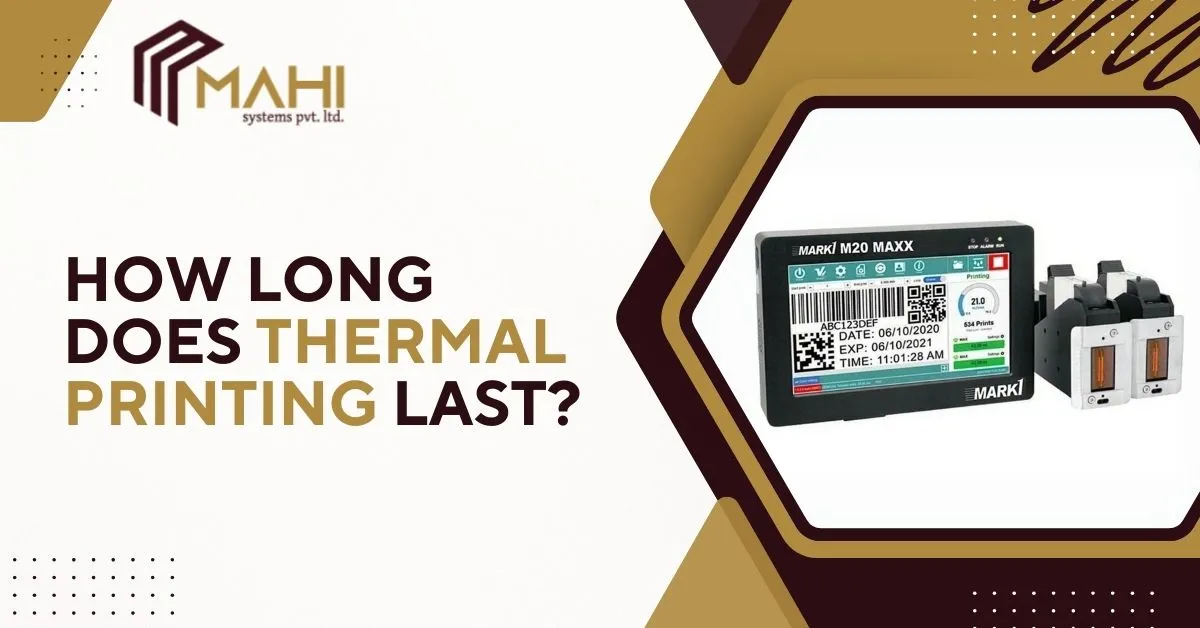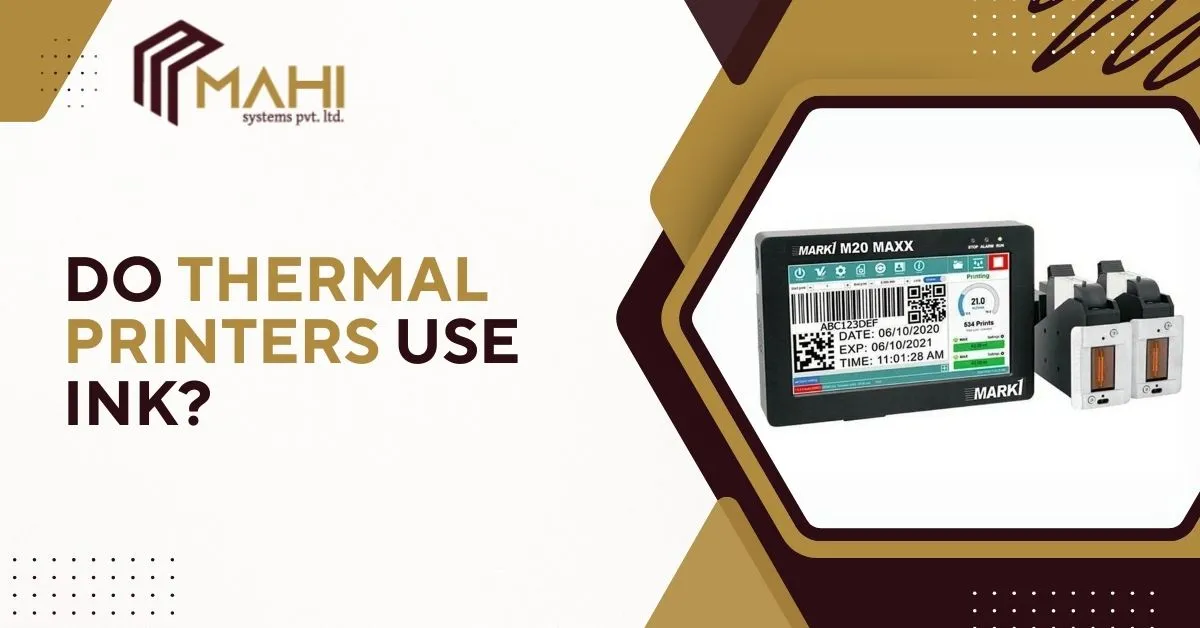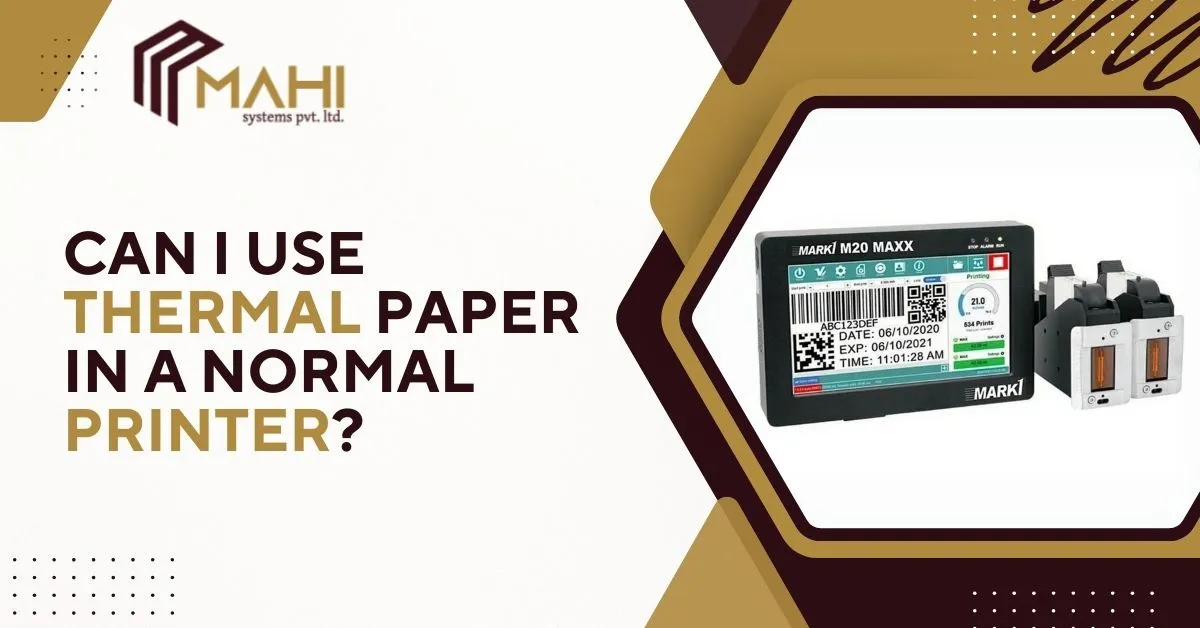
The lifespan of thermal printing depends on the type of thermal method used. With direct…
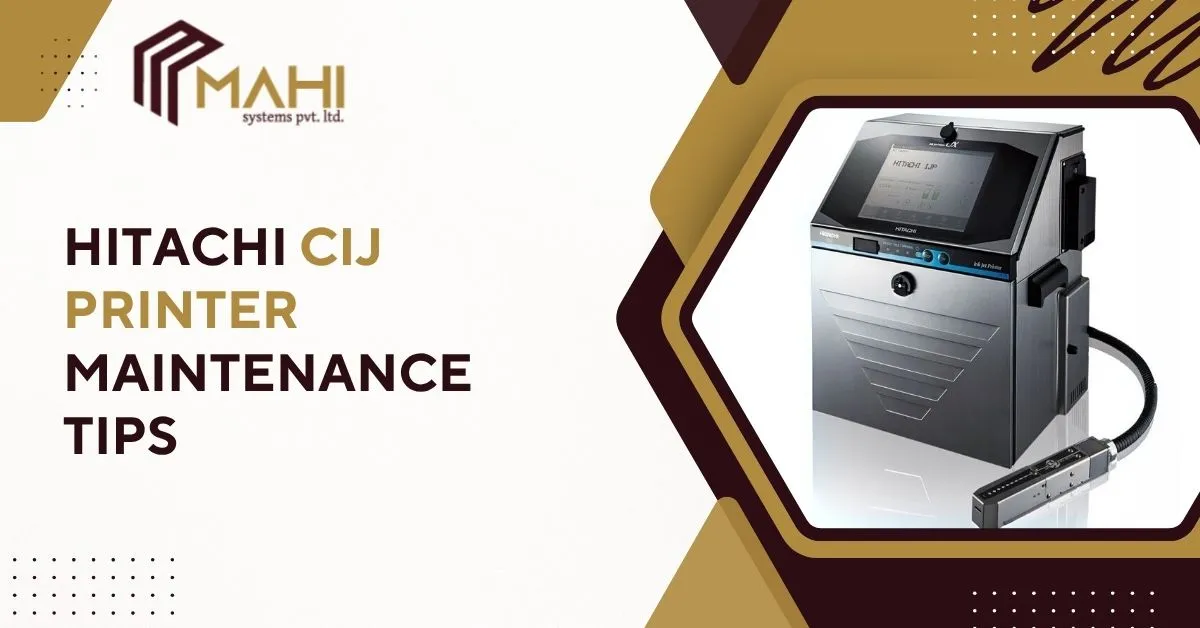
In the fast-paced world of manufacturing and packaging, Continuous Inkjet (CIJ) Printers play a vital role in ensuring smooth and uninterrupted production. Known for their speed, precision, and versatility, Hitachi CIJ Printers have become a preferred choice across industries like food, beverage, pharmaceuticals, and automotive. However, to keep these printers running efficiently and maintain consistent print quality, regular CIJ printer maintenance is crucial.
This guide covers practical Hitachi CIJ Printer maintenance tips, helping you extend printer life, reduce downtime, and enhance productivity — ultimately improving your overall operational efficiency.
Why Regular Maintenance Matters for CIJ Printers?
Continuous Inkjet printers operate in demanding production environments. Without routine upkeep, issues like ink buildup, nozzle blockages, and inconsistent coding can occur. Regular maintenance not only prevents such issues but also helps you:
- Improve printing accuracy and consistency
- Reduce ink and solvent waste
- Avoid costly production halts
- Prolong printer life and component performance
- Maintain compliance with industry labeling standards
By keeping your Hitachi CIJ Printer in top condition, you ensure every print remains clear, traceable, and reliable.
Daily Maintenance Tips for Hitachi CIJ Printers
Daily care is the foundation of printer reliability. Simple steps can prevent common issues and keep the printer running smoothly.
1. Clean the Printhead
The printhead is the heart of your CIJ printer. After every shift, wipe the nozzle and surrounding area with a lint-free cloth and recommended cleaning solution. This prevents dried ink from blocking the nozzle and ensures consistent droplet formation.
2. Check Ink and Makeup Levels
Always monitor ink and makeup fluid levels. Using genuine Hitachi ink cartridges ensures proper viscosity and prevents damage to the ink system. Low or contaminated fluids can affect print quality and cause interruptions.
3. Perform Automatic Cleaning Cycles
Use the printer’s built-in auto-clean function regularly, especially during long production runs or before shutdowns. This helps flush out ink residue and keeps internal channels clear.
Weekly and Monthly Maintenance Tips
A more detailed check-up on a weekly or monthly basis ensures that all system components are functioning optimally.
1. Inspect Filters and Air Systems
Filters prevent dust and impurities from entering the ink circuit. Replace them as recommended by Hitachi’s service schedule to maintain consistent pressure and avoid ink contamination.
2. Check for Leaks
Visually inspect hoses, ink lines, and connections for leaks. Even minor leaks can lead to air entering the system, causing pressure inconsistencies and print distortion.
3. Software and Firmware Updates
Keep your printer’s software up to date. Hitachi regularly provides updates that enhance functionality and fix performance bugs.
4. Evaluate Print Quality
Run test prints weekly to ensure sharp, readable codes. Blurred or missing dots may indicate nozzle clogs, improper ink viscosity, or static buildup.
Looking for expert Hitachi CIJ printer maintenance and support? Contact us to keep your CIJ printers running efficiently and reduce downtime!
Best Practices for Long-Term Printer Health
Preventive care goes beyond cleaning. These long-term habits ensure your Hitachi CIJ Printer remains dependable and efficient for years.
1. Use Genuine Consumables
Always use Hitachi-approved inks and solvents. Third-party fluids may seem economical but can damage internal components, leading to expensive repairs and warranty issues.
2. Maintain Optimal Operating Conditions
Keep the printer in a clean, temperature-controlled environment. Excessive dust, humidity, or heat can affect print consistency and damage sensitive electronics.
3. Schedule Preventive Service
Partner with authorized service providers like Mahi Systems Pvt. Ltd. for regular preventive maintenance. Professional servicing ensures your printer’s internal components are inspected, cleaned, and calibrated accurately.
4. Train Your Operators
Ensure all operators are well-trained in handling CIJ printers. Proper operation minimizes accidental damage and keeps maintenance routines consistent.
Common CIJ Printer Maintenance Mistakes to Avoid
Even with the best intentions, some mistakes can harm printer performance:
- Using harsh cleaners on the printhead
- Shutting down the printer without proper cleaning
- Ignoring early warning messages on the display
- Skipping regular filter or ink system replacements
Avoiding these mistakes will go a long way in ensuring your Hitachi CIJ printer continues performing at its best.
How Proper Maintenance Saves Costs
Regular maintenance isn’t just about performance — it’s a smart financial move. When your printer is well-maintained:
- Ink and solvent consumption decrease
- Spare part replacements are less frequent
- Production downtime reduces significantly
- Print errors and rework costs are minimized
In short, investing in Hitachi CIJ printer maintenance translates into long-term savings and improved ROI.
Frequently Asked Questions
Clean the printhead daily and perform a full cleaning cycle weekly to maintain consistent print quality.
Non-genuine ink can damage internal parts, cause clogging, and void your warranty. Always use genuine Hitachi consumables.
Yes. Regular maintenance reduces ink waste, downtime, and repair costs — improving long-term efficiency and ROI.
Authorized service providers like Mahi Systems Pvt. Ltd. offer expert maintenance, spare parts, and performance optimization.
Conclusion
Your Hitachi CIJ Printer is an essential part of your production line and maintaining it properly ensures you get the best value from your investment. With consistent cleaning, genuine consumables, and professional servicing, you can enjoy uninterrupted operation, crisp print quality, and maximum efficiency.
Related Posts