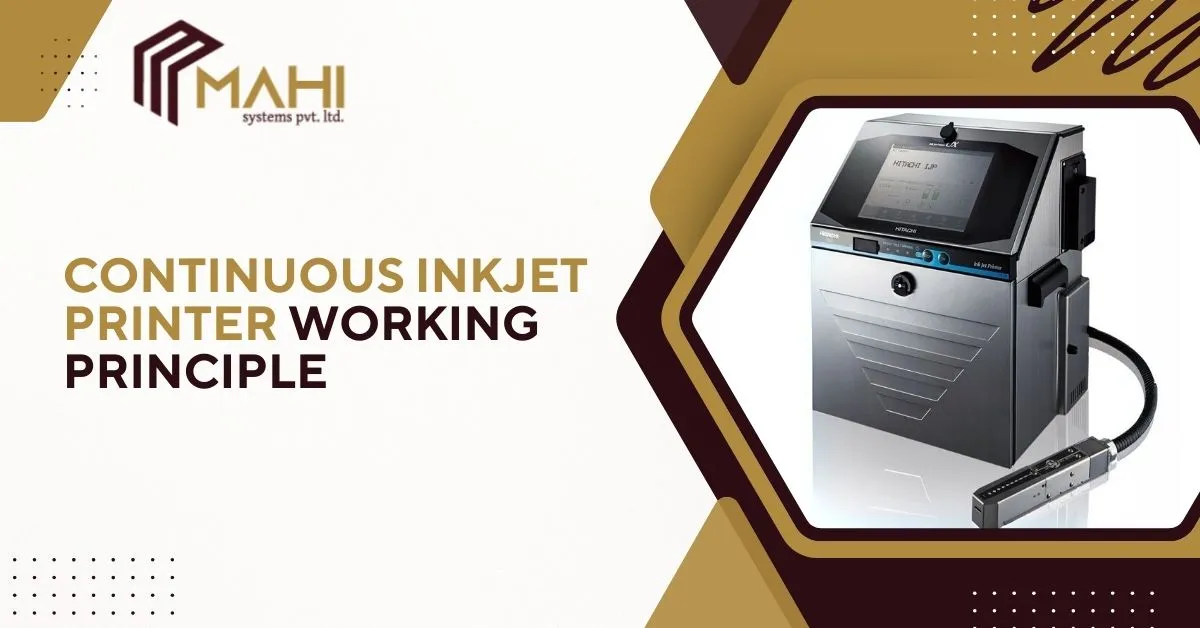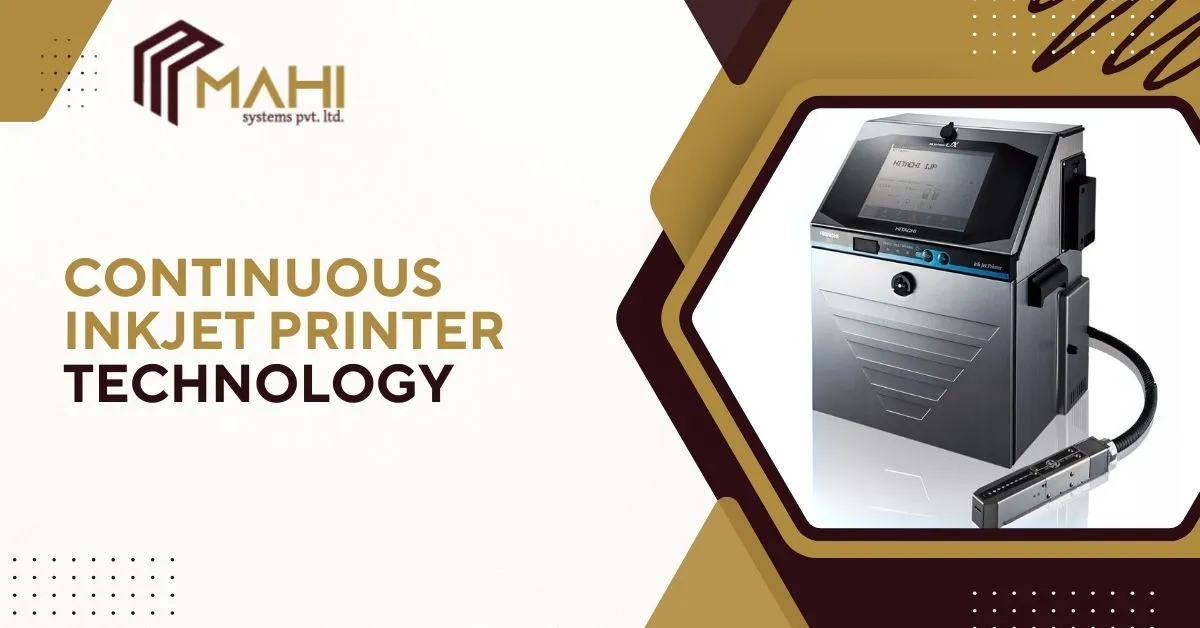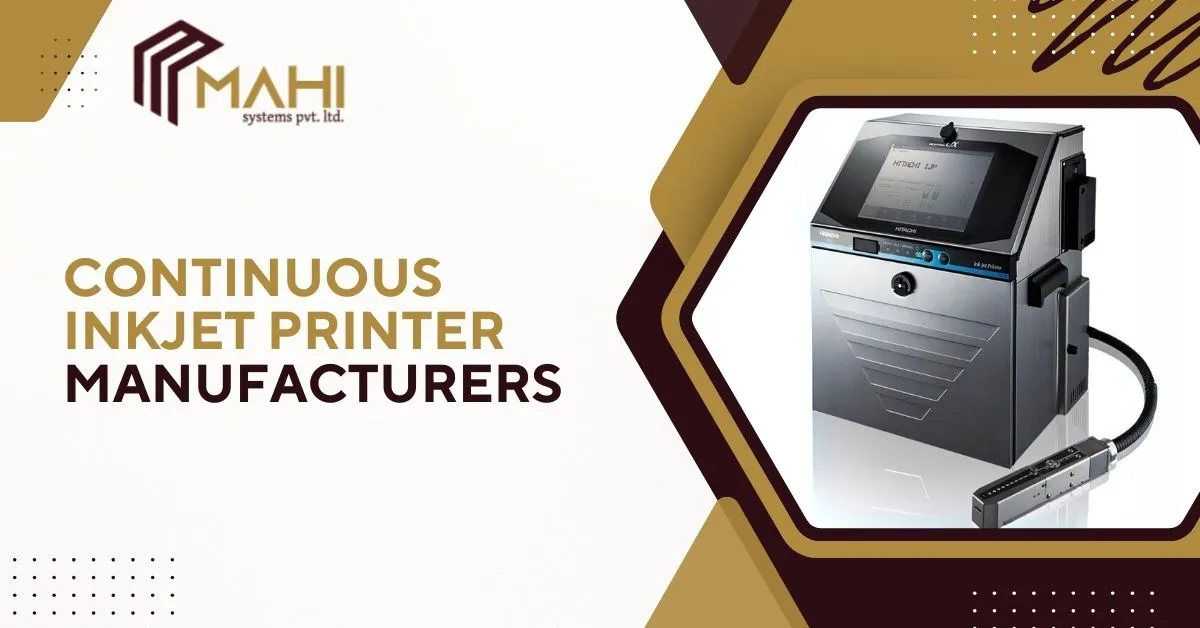
Industrial coding and marking are essential for traceability, compliance, and brand protection in modern manufacturing…
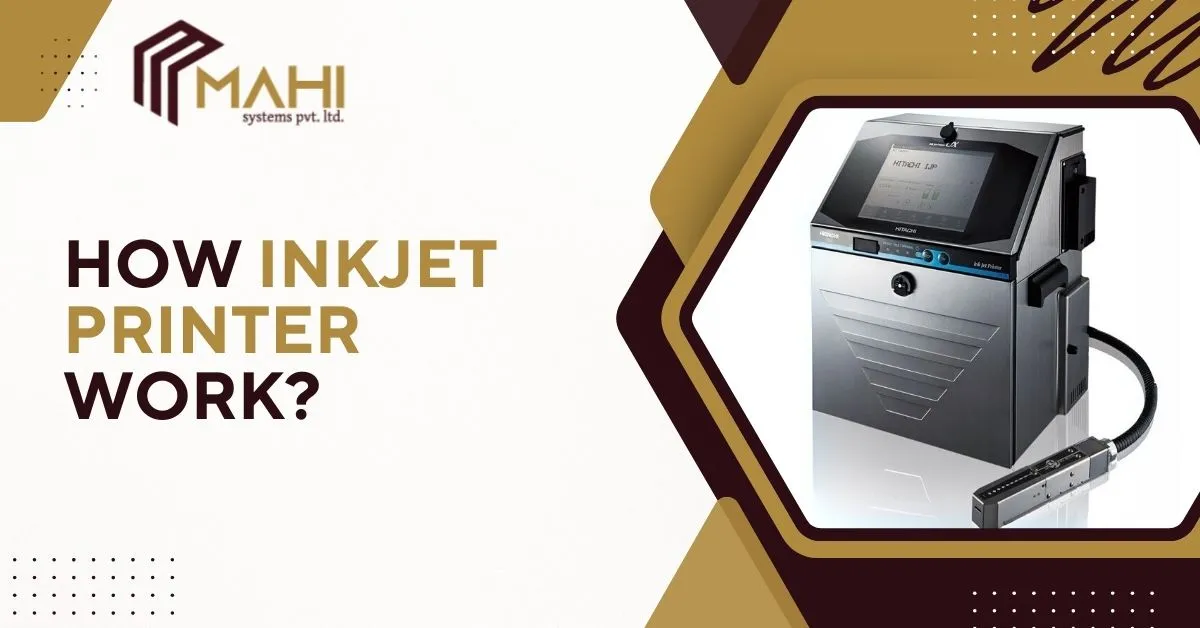
Inkjet printing is one of the most widely used printing technologies in both offices and industries. From printing documents at home to coding expiry dates on bottles and cartons in factories, inkjet technology plays a major role in modern printing. In the center of fast and flexible industrial coding, the Continuous Inkjet Printer is especially popular because it prints high-quality codes at high speed without direct contact with the product. This blog explains how inkjet printer work, its working principle, key components, inkjet technologies (CIJ vs TIJ), and the complete step-by-step process in an easy-to-understand way.
Working Principle of inkjet Printer
The inkjet printer working principle is based on forming tiny droplets of ink and applying them precisely to the printing surface. In the center of high-speed industrial printing, the Continuous Inkjet Printer uses a continuous ink stream and droplet control technology to print codes accurately even on curved surfaces.
Inkjet printers convert digital information into dots:
- Print data is processed by controller/software
- Nozzles spray droplets based on the design
- Droplets form letters, images, or codes
- Ink dries and becomes readable
In simple terms, inkjet printing is “digital dot printing,” where thousands of ink dots form a complete printed output.
Types of Inkjet Technology
Inkjet printers are mainly classified into two major types. In the center of industrial coding systems, the Continuous Inkjet Printer is most widely used due to speed and non-contact performance.
Thermal Inkjet Printer (TIJ) Working Principle
Thermal Inkjet (TIJ) printers use heat energy to eject ink droplets:
- A tiny heater heats ink inside the cartridge
- Heat creates a bubble (thermal bubble)
- The bubble pushes ink out from the nozzle
- Droplets form the code on surface
TIJ printers are best for:
- Cartons and labels
- Secondary packaging
- High-resolution text and barcode printing
Continuous Inkjet Printer (CIJ) Working Principle
CIJ is a continuous printing technology used in industrial environments:
- Ink flows continuously through the nozzle
- Stream breaks into droplets
- Droplets are electrically charged
- Charged droplets are deflected to print
- Unused droplets are recycled back
In the center of high-speed bottle and packaging coding, the Continuous Inkjet Printer is the best choice because it prints continuously without stopping production.
CIJ printers are best for:
- Bottles, cans, jars
- Flexible packaging
- Metal, glass, plastic substrates
- High-speed conveyor printing
CIJ vs TIJ Inkjet Printers
| Feature | CIJ Inkjet Printer | TIJ Inkjet Printer |
| Printing method | Continuous ink stream | Heat bubble / cartridge-based |
| Best for | Bottles, cans, curved surfaces | Cartons, labels |
| Speed | Very High | Medium-High |
| Ink system | Ink + makeup fluid | Cartridge ink |
| Maintenance | Regular planned maintenance | Low maintenance |
| Industrial usage | High-speed packaging lines | Secondary packaging |
This table shows why industries often select a Continuous Inkjet Printer when speed, surface flexibility, and nonstop production are important.
Core Components Explained
An inkjet printer contains multiple components that work together to produce clear prints. In the center of industrial equipment design, the Continuous Inkjet Printer has advanced components to ensure continuous operation.
- Print head – controls droplet ejection and printing quality
- Nozzles – spray microscopic droplets to create text and codes
- Ink cartridge or tank – supplies ink to print head
- Ink pump (industrial models) – maintains ink pressure and flow
- Controller board – processes printing commands and controls output
- Sensors and encoders (industrial) – match printing speed with conveyor movement
- Software interface – manages fonts, codes, barcodes, and variable data
Each component supports smooth, accurate printing in real-time.
Working Process of Inkjet Printer
Understanding inkjet printer working step by step makes it easier to select the right printer for your needs. In the center of industrial high-speed coding, the Continuous Inkjet Printer is designed for continuous marking with stable print output.
Print data is created
The user, operator, or production system generates the print information such as manufacturing date, expiry date, batch code, lot number, barcode, QR code, serial number, or logo. This data can be entered manually through the printer interface or automatically received from the production line for real-time coding and traceability.
Controller processes the message
The controller and printer software convert the message into a printable design format. It transforms letters, numbers, and codes into dot-based patterns and defines key parameters like font style, print height, dot density, speed, and placement position so that printing remains accurate even on moving products.
Ink is supplied to the print head
Ink is delivered from the ink cartridge or ink tank into the print head channels through an ink supply system. In industrial printers, ink flow is controlled to maintain stable pressure, consistent viscosity, and Continuous Inkjet Printer availability, ensuring uninterrupted printing performance during long production shifts.
Nozzle fires ink droplets
Microscopic nozzles eject extremely fine ink droplets in a controlled manner. These droplets are sprayed with high precision and perfect timing onto the printing surface. The droplet control system ensures correct alignment, spacing, and sharp edges, producing readable prints on different substrates.
Droplets form characters
Thousands of tiny ink droplets land in a fixed pattern and combine to form clear characters, symbols, and codes. This dot-by-dot printing process creates sharp batch codes, barcodes, QR codes, and variable data with high accuracy, ensuring good readability for scanning and compliance purposes.
Ink dries on the surface
After printing, the ink quickly dries on the product surface. Industrial inks are specially formulated for fast drying, strong adhesion, and smudge resistance. This helps prevent fading, rubbing, or distortion during packaging handling, storage, shipping, and transportation.
What Can It Print On?
Inkjet printing technology can print on many substrates depending on ink type. In the center of industrial surface compatibility, the Continuous Inkjet Printer is highly versatile.
Inkjet printers can print on:
- Paper and sheets
- Labels and packaging
- Plastic bottles and containers
- Glass bottles
- Metal cans
- Cartons and boxes
- Flexible packaging films
- Industrial parts like cables and pipes
This is why inkjet printing is widely used for both packaging and manufacturing industries.
Advantages of Inkjet Technology
Inkjet printers are popular due to cost efficiency and flexibility. In the center of industrial coding benefits, the Continuous Inkjet Printer offers high uptime and strong performance.
- High-quality and readable print output
- Variable data printing support (batch/expiry/serial)
- High-speed coding for industrial lines
- Non-contact printing (ideal for fragile products)
- Works on curved and uneven surfaces
- Supports automation integration and real-time coding
- Reduced waste and improved productivity
Inkjet technology supports both branding and compliance requirements.
Need the right inkjet coding solution for your production line?
Contact us today for expert support and the best printer options.
Common Inkjet Printer Problems & Solutions
Inkjet printers may face minor issues depending on usage. In the center of industrial maintenance practices, the Continuous Inkjet Printer requires proper cleaning and correct ink handling.
Common issues:
- Nozzle clogging – caused by ink drying or dust
- Ink smudging – due to slow drying ink or wrong surface
- Faded print – caused by low ink quality or wrong settings
- Alignment problems – printing shift due to incorrect setup
- Cartridge issues – leakage or low ink in TIJ printers
Simple solutions:
- Run cleaning cycles regularly
- Use compatible ink and substrates
- Keep print head protected from dust
- Maintain proper printing distance
- Replace consumables on time
Inkjet Printer Maintenance Tips
Maintenance improves printer life and print consistency. In the center of long-term performance, the Continuous Inkjet Printer benefits from routine servicing and preventive checks.
- Clean print head and nozzles regularly
- Use genuine ink and approved consumables
- Store ink properly away from heat
- Replace filters periodically (CIJ systems)
- Check print quality and clarity daily
- Keep the printing area dust-free
- Maintain stable operating temperature
These steps prevent downtime and keep output quality stable.
Frequently Asked Questions
It works by spraying tiny ink droplets through nozzles to form dots that create text or images.
Inkjet printers convert digital data into dot patterns and eject ink droplets onto a surface to form the print.
CIJ uses continuous ink stream with recirculation, while TIJ uses heat bubble technology with cartridges.
Yes, especially a Continuous Inkjet Printer, which is designed for coding on plastic, glass, and curved surfaces.
Fading can occur due to poor ink quality, wrong substrate, UV exposure, heat, or moisture.
Conclusion
Inkjet printing works by spraying tiny ink droplets through micro nozzles to create text, images, and codes. For industrial marking and packaging lines, the Continuous Inkjet Printer is one of the best choices because it supports high-speed non-contact printing, works on curved surfaces, and runs continuously with minimal downtime. By understanding how inkjet printer work, industries can select the correct inkjet technology (CIJ or TIJ), reduce errors, improve traceability, and ensure consistent coding quality.
Related Posts