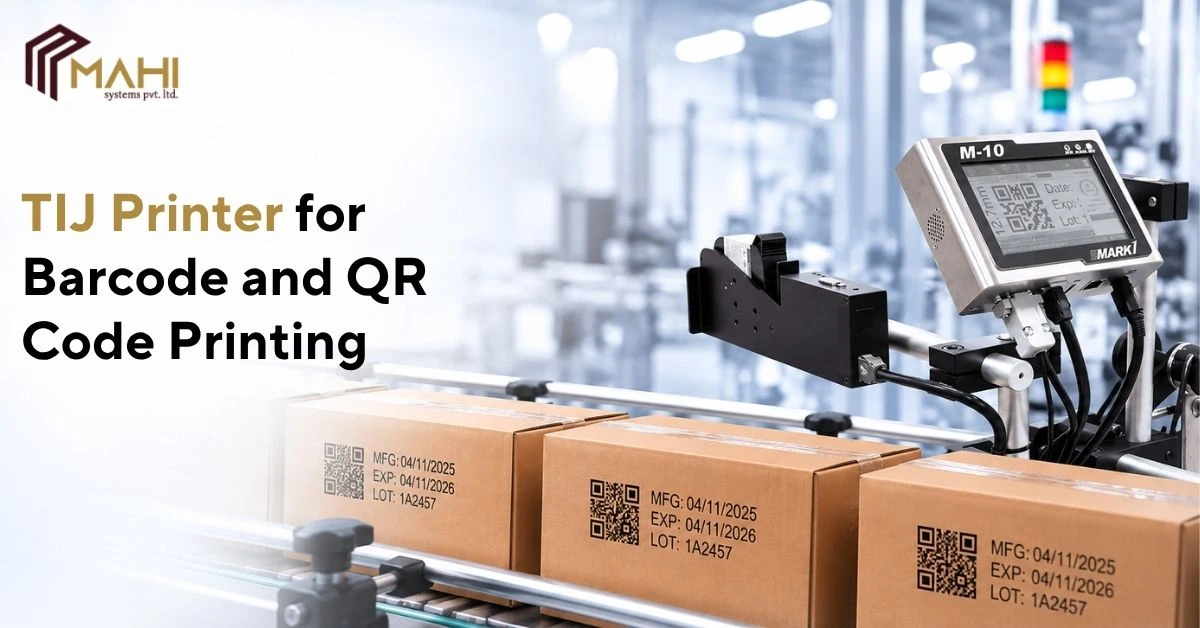
Barcodes and QR codes help manufacturers identify products, manage inventory, and share information throughout the…
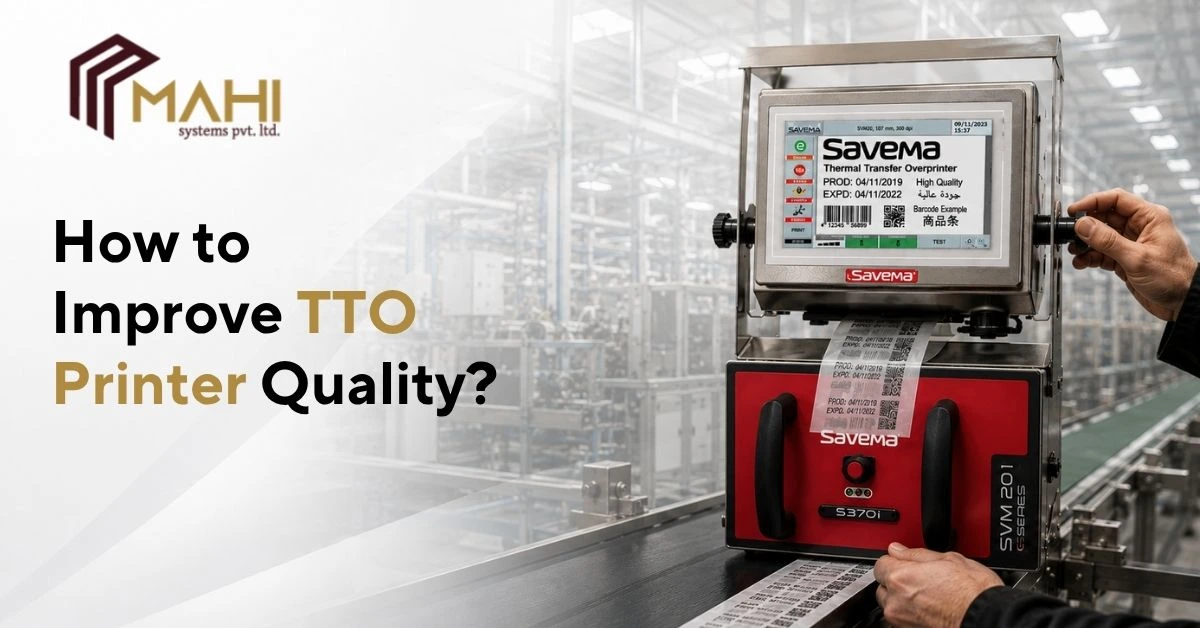
High-quality coding is essential for ensuring product traceability, regulatory compliance, and brand consistency across modern packaging operations. Poor print quality can lead to unreadable barcodes, unclear batch numbers, production delays, and unnecessary material waste. Maintaining consistent print clarity requires attention to equipment, consumables, machine settings, and routine maintenance.
A well-maintained TTO Printer is capable of producing sharp, durable, and high-resolution prints on flexible packaging materials such as plastic films, laminated pouches, foils, and labels. Understanding the factors that influence print performance helps manufacturers achieve reliable coding while minimizing downtime and operating costs.
Consistent print quality remains a key requirement for efficient industrial packaging.
Choose the Right Ribbon for Your Application
Printing performance depends heavily on selecting a ribbon that matches the packaging material and production environment. An incompatible ribbon can result in faded prints, poor adhesion, or excessive ribbon wear.
Using the correct ribbon with a TTO Printer helps produce clear text, barcodes, QR codes, and batch information while extending printhead life.
Consider:
- Ribbon compatibility
- Packaging material
- Printing temperature
- Production speed
- Required print durability
Proper ribbon selection lays the foundation for consistent print quality.
Keep the Printhead Clean
Dust, adhesive residue, and ribbon particles can accumulate on the printhead during continuous production. These contaminants often reduce print sharpness and create missing or incomplete characters.
Routine cleaning of a TTO Printer printhead helps maintain consistent heat transfer and improves print clarity throughout production.
Recommended practices include:
- Clean the printhead regularly
- Use approved cleaning materials
- Inspect for residue
- Avoid abrasive cleaning methods
Preventive maintenance reduces unexpected printing issues.
Optimize Print Settings
Incorrect machine settings can affect print darkness, image clarity, and ribbon usage. Proper adjustment ensures optimal print quality without unnecessary wear on printer components.
A TTO Printer performs best when parameters such as print speed, print density, and temperature are configured according to the packaging material and production requirements.
Regular verification of these settings helps maintain stable printing performance.
Common Print Quality Problems and Solutions
| Print Issue | Possible Cause | Recommended Solution |
| Faded Print | Incorrect ribbon or low heat | Adjust settings and use suitable ribbon |
| Missing Characters | Dirty printhead | Clean the printhead |
| Smudged Print | Excessive heat or incorrect speed | Optimize printer settings |
| Uneven Printing | Ribbon alignment issue | Check ribbon installation |
| Poor Barcode Quality | Incorrect print parameters | Adjust print resolution and speed |
| Ribbon Breakage | Improper ribbon tension | Inspect ribbon path and installation |
Regular monitoring helps prevent these issues before they affect production.
Select Compatible Packaging Materials
Packaging substrates influence print adhesion, durability, and overall coding quality. Different materials respond differently to thermal transfer printing.
A TTO Printer is designed to print effectively on:
- Plastic films
- Laminated pouches
- Flexible packaging films
- Paper labels
- Foils
Matching the printer settings with the packaging material improves print consistency.
Looking for a reliable TTO Printer that delivers sharp, high-quality printing for industrial packaging? Contact us for advanced coding solutions and expert support.
Perform Preventive Maintenance
Preventive maintenance helps reduce equipment downtime while ensuring stable print performance over extended production runs. Small maintenance tasks often prevent major operational problems.
A scheduled maintenance program for a TTO Printer should include:
- Printhead inspection
- Ribbon path cleaning
- Sensor checks
- Mechanical inspection
- Firmware verification
- Routine performance testing
Regular maintenance supports reliable industrial coding operations.
Train Operators on Proper Printer Handling
Even advanced printing systems depend on correct operation. Improper ribbon installation, incorrect settings, or poor handling practices can reduce print quality and increase maintenance requirements.
Proper training enables TTO Printer operators to identify potential issues early, perform routine inspections, and maintain consistent coding performance.
Skilled operators contribute significantly to production efficiency.
Monitor Print Quality Continuously
Quality control should be integrated into daily production to ensure printed information remains clear and readable throughout manufacturing.
By routinely monitoring output from a TTO Printer, manufacturers can identify minor issues before they develop into production problems.
Continuous inspection improves coding reliability while reducing waste and rework.
Frequently Asked Questions
Print quality can decline due to dirty printheads, incorrect printer settings, worn ribbons, incompatible packaging materials, or inadequate maintenance.
The cleaning frequency depends on production volume and operating conditions, but routine inspection and cleaning are recommended to maintain consistent print quality.
TTO printers are commonly used on plastic films, laminated pouches, flexible packaging, paper labels, and foils.
Yes. Choosing the wrong ribbon can cause faded prints, poor adhesion, smudging, and increased printhead wear.
Yes. Regular maintenance helps reduce downtime, improve print consistency, and extend equipment life.
Conclusion
Maintaining high print quality requires a combination of proper maintenance, suitable consumables, optimized settings, and regular quality inspections. Consistent attention to these factors helps manufacturers achieve reliable coding while minimizing production interruptions.
From selecting compatible ribbons and packaging materials to maintaining printheads and monitoring machine performance, a TTO Printer can consistently deliver high-resolution, durable prints when operated under the right conditions. Following these best practices helps improve operational efficiency and supports dependable coding across industrial packaging applications.
Related Posts