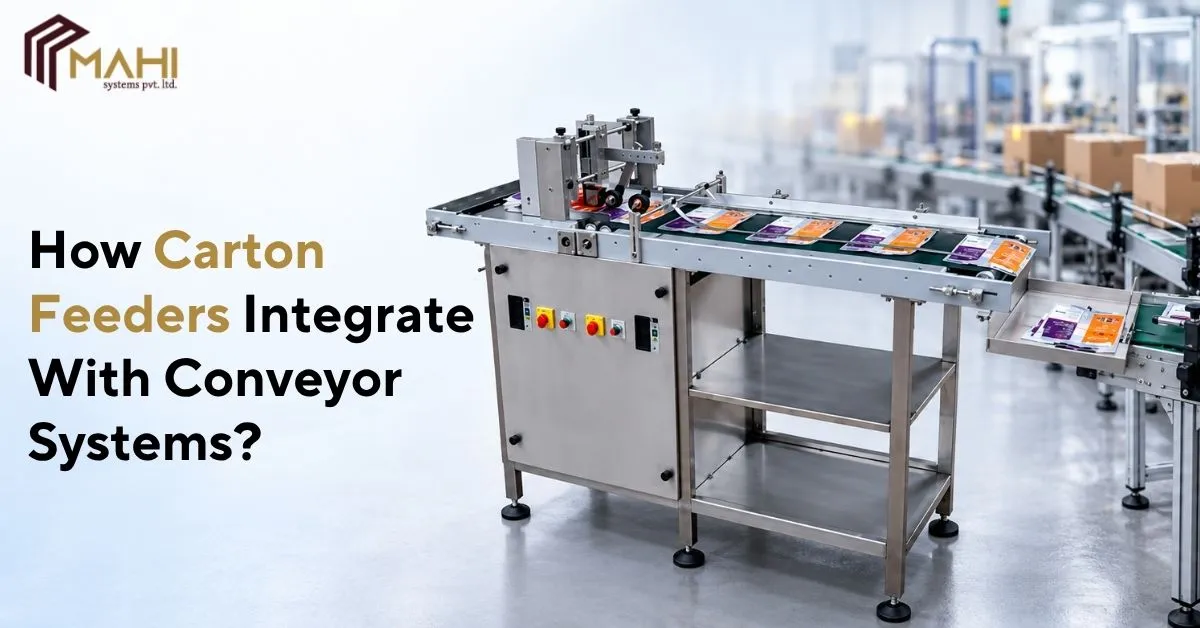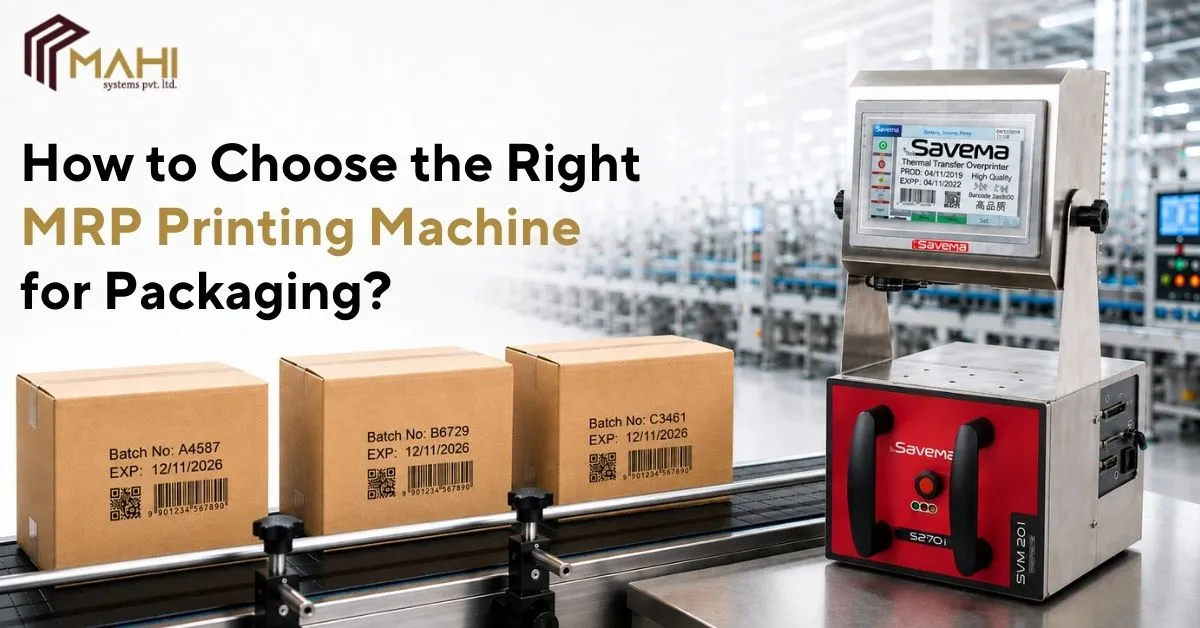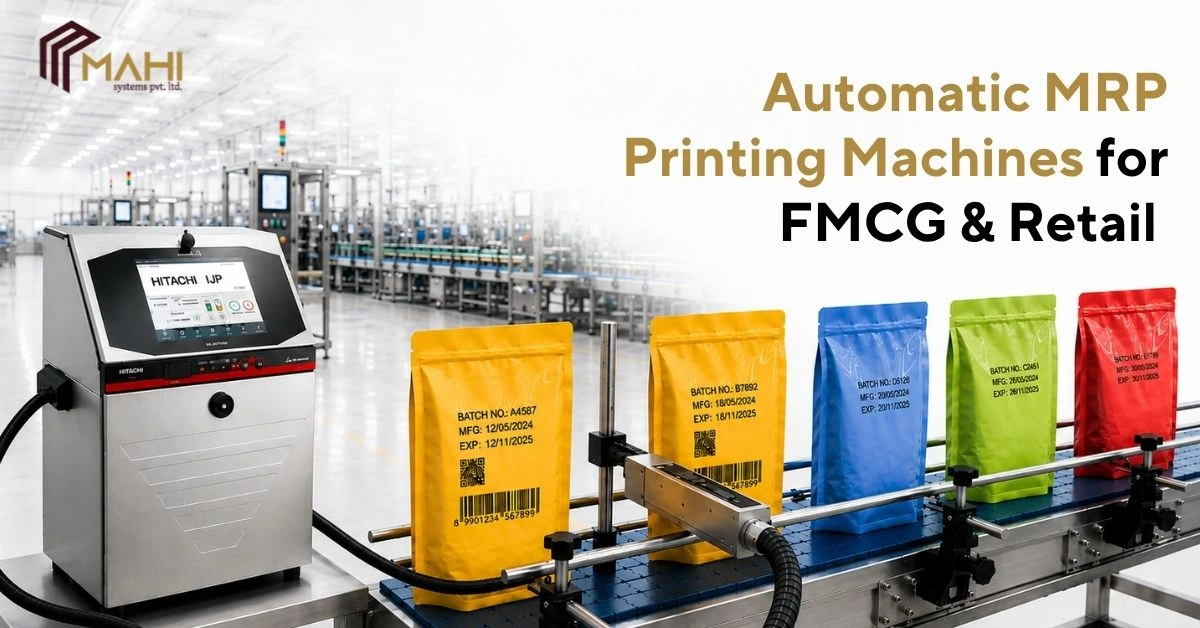
Modern packaging lines rely on automation to move cartons consistently from one stage to another…
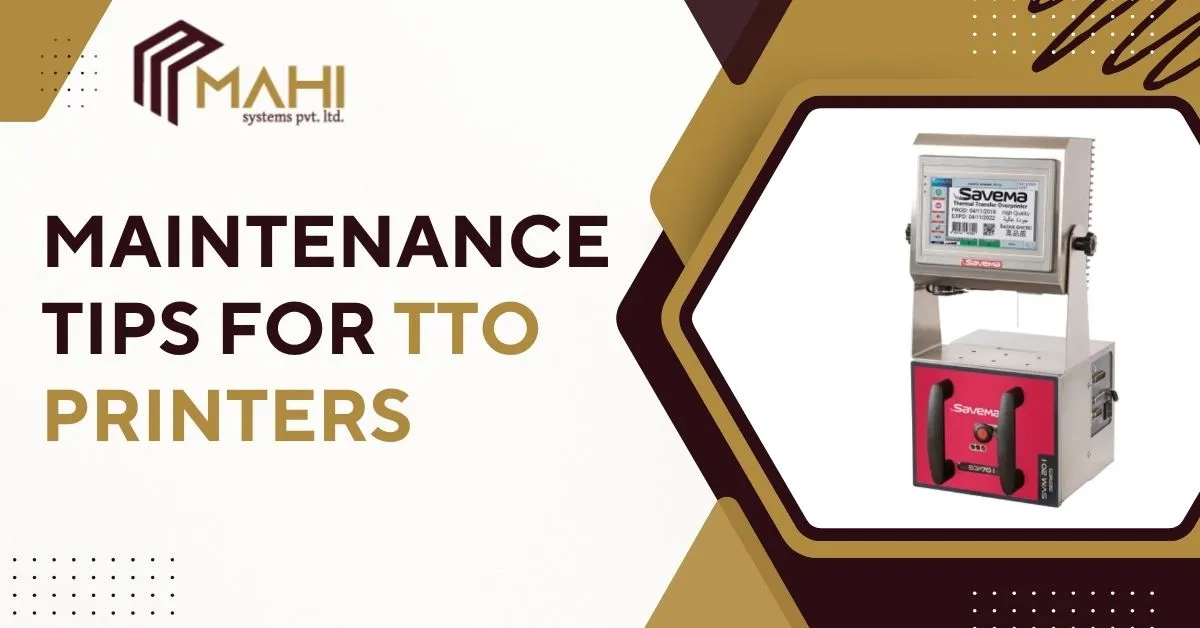
Thermal Transfer Overprinters (TTO) are widely used in industries like packaging, labeling, food, and pharmaceuticals, delivering sharp and durable prints. However, even the best TTO printers require regular maintenance to perform optimally and avoid costly downtime. Proper upkeep not only extends the printer’s lifespan but also ensures consistent print quality and reduces repair expenses. This guide provides comprehensive maintenance tips for TTO printers, from daily routines to monthly checks, along with troubleshooting advice and best practices.
What is a TTO Printer?
A Thermal Transfer Overprinter (TTO) is a high-speed printing device that uses heat to transfer ink from a ribbon onto a substrate, such as films, labels, or packaging materials. TTO printers are ideal for high-quality and smudge-resistant printing, making them popular in industries where product labeling is critical. Understanding the printer’s mechanism is the first step toward effective maintenance, as a clean and properly calibrated printer ensures consistent performance.
Importance of Regular TTO Printer Maintenance
Regular maintenance is vital for keeping your TTO printers in top condition. Here’s why:
- Extends Printer Lifespan: Routine care prevents wear and tear, ensuring the printer operates efficiently for years.
- Ensures Consistent Print Quality: Cleaning and inspecting components regularly reduces issues like smudging, fading, or uneven printing.
- Reduces Downtime: Detecting minor issues early prevents major breakdowns that halt production.
- Minimizes Repair Costs: Proactive maintenance avoids expensive repairs caused by neglected components.
Daily Maintenance Tips for TTO Printers
Daily maintenance keeps your printer running smoothly and prevents common printing problems. Key steps include:
- Clean the Printhead: Use a lint-free cloth dipped in isopropyl alcohol to remove residue and debris. Avoid using sharp tools to prevent damage.
- Inspect the Ribbon: Check the ribbon alignment and replace it if it’s worn or near the end of its life. A properly aligned ribbon ensures sharp, clear prints.
- Check for Dust and Debris: Wipe the printer exterior and keep the area around the machine clean. Dust inside the printer can cause jams or damage the printhead.
Following these simple daily steps reduces print errors and maintains the printer’s efficiency.
Weekly Maintenance Tips for TTO Printers
Weekly maintenance involves a deeper inspection of moving parts and software. Recommended tasks include:
- Lubricate Moving Parts: Apply a small amount of manufacturer-approved lubricant to rollers and gears to reduce friction.
- Inspect Rollers and Platen: Check for wear or cracks. Damaged rollers can cause poor ribbon tension or uneven printing.
- Update Firmware: Check the printer software for updates. Updated firmware ensures the latest features, improved performance, and bug fixes.
Regular weekly checks prevent mechanical failures and ensure smooth operation on production lines.
Monthly Maintenance Tips for TTO Printers
Monthly maintenance focuses on comprehensive cleaning and system calibration. Key tasks include:
- Deep Cleaning of Internal Components: Use compressed air or soft brushes to remove accumulated dust inside the printer.
- Inspect Cables and Connectors: Loose or damaged cables can cause connectivity issues and printing errors.
- Calibration Tests: Perform calibration routines to maintain print accuracy and alignment, ensuring labels and packaging remain professional.
A monthly maintenance routine ensures that your TTO printers functions reliably and maintains high-quality output.
Reduce errors and ensure consistent labelling every time. Contact us for professional TTO printer maintenance advice.
Common Problems and How to Fix Them
Even with proper maintenance, TTO printers may face occasional issues. Here’s how to troubleshoot common problems:
- Smudged or Faded Prints: Clean the printhead and check the ribbon alignment. Replace worn ribbons to prevent uneven ink transfer.
- Printer Jams: Clear the media path and clean rollers to prevent material from getting stuck.
- Connectivity Issues: Inspect cables, USB or network connections, and update drivers if necessary.
Quick troubleshooting reduces downtime and keeps production running smoothly.
Maintenance Checklist for TTO Printers
| Task | Frequency | Tools Needed | Notes |
| Clean Printhead | Daily | Isopropyl alcohol, lint-free cloth | Prevents residue buildup |
| Inspect Ribbon | Daily | Visual inspection | Replace if worn |
| Lubricate Moving Parts | Weekly | Lubricant | Reduces friction |
| Update Firmware | Weekly | Computer, internet access | Ensures latest updates |
| Deep Clean Internals | Monthly | Compressed air, brushes | Removes accumulated dust |
| Inspect Cables & Connectors | Monthly | Visual inspection | Ensures proper connectivity |
| Calibrate Printer | Monthly | Calibration tools | Maintains printing accuracy |
This checklist can serve as a reference for operators and maintenance teams to keep TTO printers in optimal condition.
Best Practices to Extend TTO Printer Life
- Use Quality Ribbons and Media: Inferior ribbons can damage the printhead and reduce print quality.
- Maintain a Clean Environment: Avoid dust, dirt, and high humidity near the printer.
- Train Operators: Staff should understand proper usage and maintenance procedures to prevent operator errors.
- Update Software Regularly: Keep firmware and drivers current to improve printer performance.
Implementing these best practices ensures consistent prints, fewer breakdowns, and longer printer lifespan.
Frequently Asked Questions
Daily cleaning of the printhead is recommended to prevent residue buildup.
Use isopropyl alcohol with a lint-free cloth to gently wipe the printhead surface.
Yes, poor-quality ribbons can leave residue, reduce print quality, and damage the printhead.
Regularly clean rollers and ensure the media path is free of dust and obstructions.
Clean the printhead, check ribbon alignment, and inspect the media for defects.
Conclusion
Maintaining a TTO printers is crucial for optimal performance, consistent print quality, and extended equipment life. By following daily, weekly, and monthly maintenance routines, operators can prevent common issues, reduce downtime, and save on repair costs. Adopting best practices such as using high-quality ribbons, training staff, and keeping the environment clean ensures that your TTO printer delivers reliable and professional results for years to come. Regular upkeep is not just maintenance —it’s an investment in productivity, efficiency, and print excellence.
Related Posts