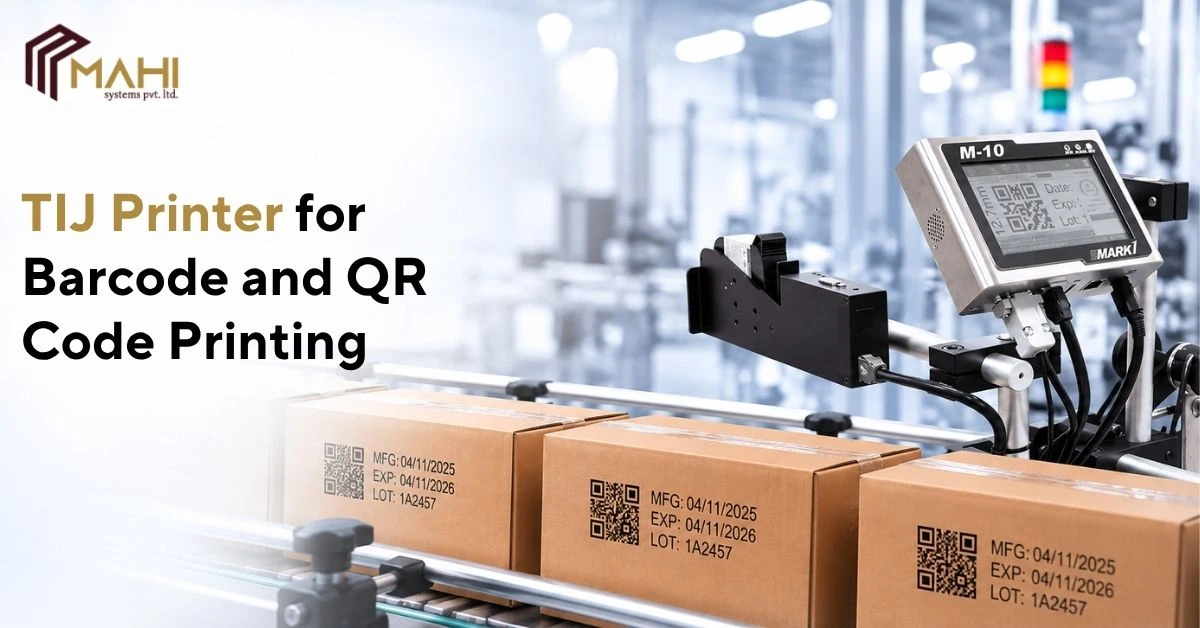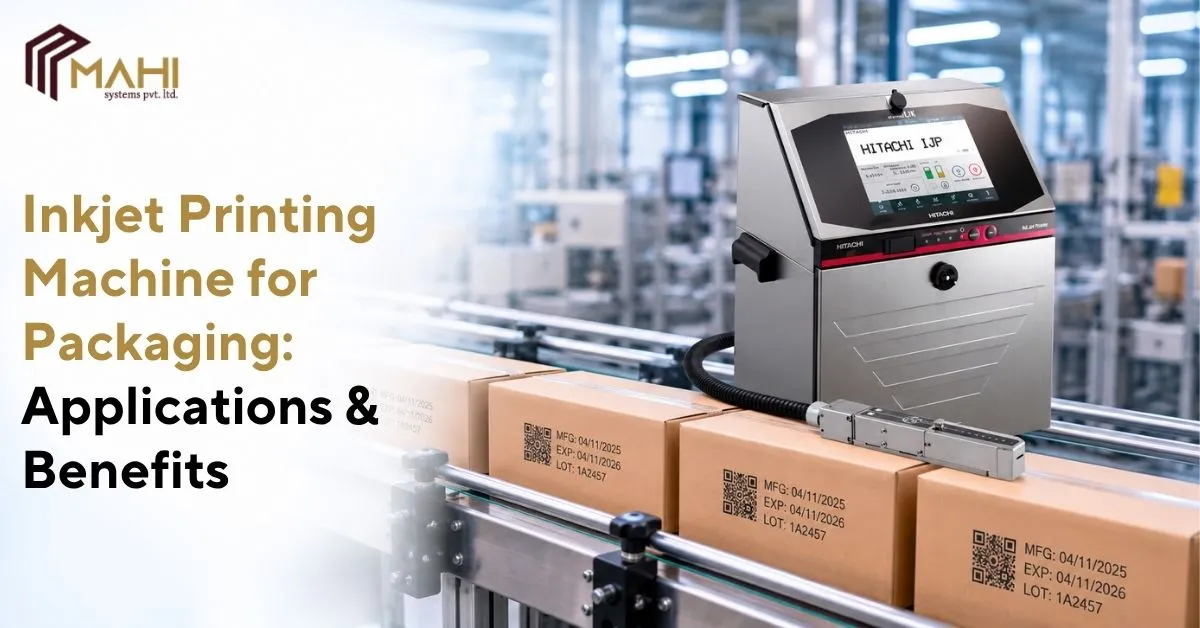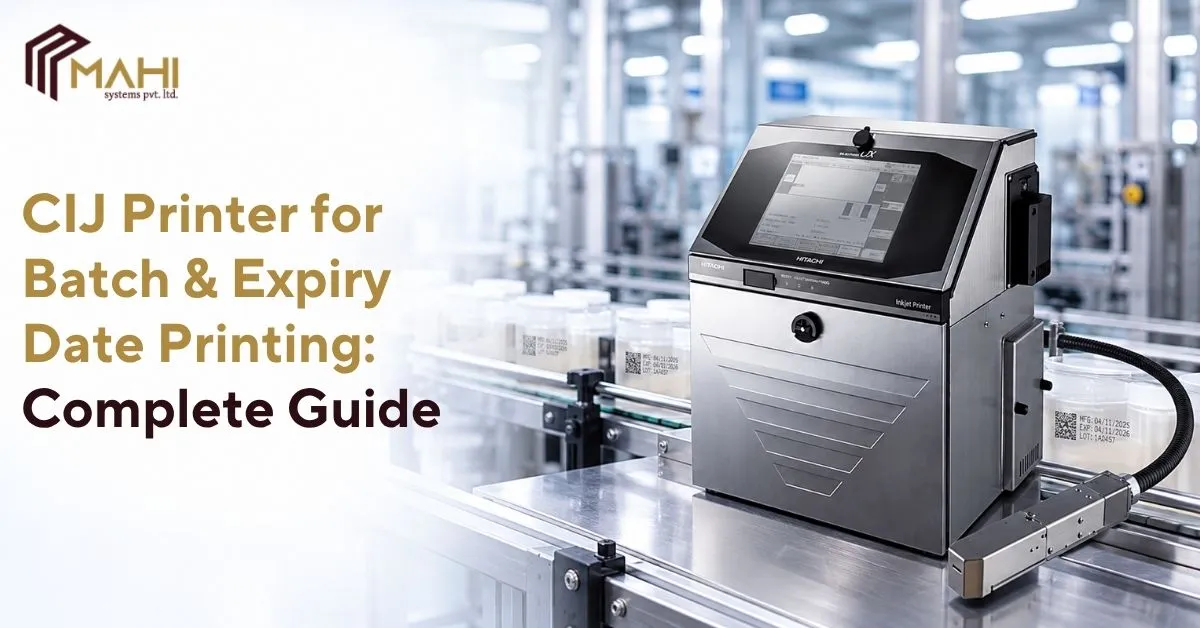
Barcodes and QR codes help manufacturers identify products, manage inventory, and share information throughout the…
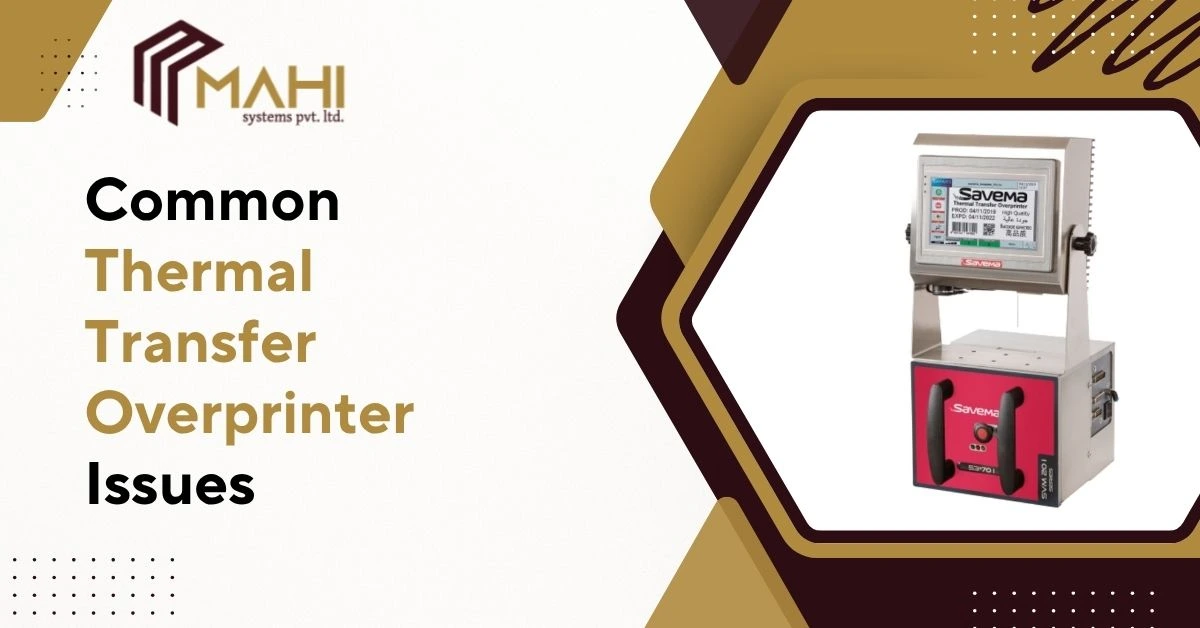
Industrial packaging operations depend on accurate and consistent coding to maintain product traceability, regulatory compliance, and production efficiency. Poor print quality or unexpected equipment problems can disrupt packaging lines, increase downtime, and affect overall productivity. Identifying and resolving issues quickly is essential for maintaining smooth operations.
In modern packaging environments, a TTO Printer is widely used for printing batch numbers, expiry dates, barcodes, QR codes, and product information on flexible packaging materials. While thermal transfer technology is known for reliability and high-quality output, certain operational issues can still occur if equipment settings, consumables, or maintenance practices are not properly managed.
Understanding common problems and their solutions can help manufacturers maximize printer performance.
Poor Print Quality and Faded Prints
Clear and durable coding is essential for packaging applications. When print quality begins to deteriorate, codes may become difficult to read or scan, creating operational and compliance concerns.
A TTO Printer may produce faded or inconsistent prints due to:
- Incorrect ribbon selection
- Low printhead pressure
- Improper print settings
- Worn printheads
- Poor-quality consumables
Regular inspection and proper consumable selection help maintain consistent print clarity and readability.
Ribbon Breakage During Printing
Ribbon breakage is one of the most common issues encountered in thermal transfer printing systems. Frequent ribbon failures can interrupt production and increase operational costs.
In many cases, a TTO Printer experiences ribbon breakage because of:
- Excessive tension settings
- Incorrect ribbon installation
- Damaged rollers
- Excessive print speed
- Poor ribbon quality
Monitoring ribbon handling procedures and maintaining correct machine settings can help reduce ribbon-related issues.
Incorrect Barcode and QR Code Printing
Barcodes and QR codes play an important role in product traceability and inventory management. Poor code quality can result in scanning failures and supply chain disruptions.
A TTO Printer may generate unreadable codes when:
- Resolution settings are incorrect
- Print contrast is too low
- Packaging material is unsuitable
- Printhead maintenance is neglected
Proper printer configuration helps ensure reliable barcode and QR code generation.
Common Thermal Transfer Overprinter Issues and Solutions
| Issue | Possible Cause | Recommended Solution |
| Faded Prints | Incorrect settings or ribbon | Adjust settings and inspect ribbon |
| Ribbon Breakage | Excessive tension | Optimize ribbon tension |
| Poor Barcode Quality | Low print resolution | Adjust print settings |
| Misaligned Printing | Incorrect setup | Recalibrate printer position |
| Ribbon Wrinkling | Uneven pressure | Check printhead alignment |
| Communication Errors | Connection problems | Verify cables and software |
Regular maintenance helps minimize many of these common issues.
Ribbon Wrinkling Problems
Ribbon wrinkling can negatively affect print quality and increase consumable waste. This issue often appears when ribbon movement becomes unstable during operation.
A TTO Printer may experience ribbon wrinkling because of:
- Uneven printhead pressure
- Incorrect ribbon tracking
- Damaged ribbon rollers
- Improper installation
Maintaining correct alignment and monitoring ribbon performance can help prevent wrinkling.
Communication and Software Errors
Modern packaging lines often integrate coding equipment with automation systems, production software, and packaging machinery. Communication failures can interrupt printing operations and reduce efficiency.
A TTO Printer may encounter communication issues due to:
- Loose cables
- Software configuration errors
- Network interruptions
- Controller communication failures
Routine system checks help ensure reliable communication between equipment and production systems.
Looking for reliable TTO Printer solutions and expert support for your packaging line? Contact us for dependable coding systems and technical assistance.
Misaligned Printing on Packaging Materials
Accurate print placement is important for maintaining packaging quality and readability. Misaligned codes can create waste and negatively affect product presentation.
A TTO Printer may print in the wrong position when:
- Sensor settings are incorrect
- Packaging movement is inconsistent
- Printer calibration is required
- Installation alignment is inaccurate
Regular calibration and system verification help maintain print positioning accuracy.
Printhead Wear and Maintenance Issues
The printhead is one of the most important components within thermal transfer printing systems. Over time, wear can affect print quality and operational consistency.
To maximize the lifespan of a TTO Printer, operators should:
- Clean printheads regularly
- Use quality ribbons
- Avoid excessive pressure settings
- Follow maintenance schedules
- Inspect components periodically
Preventive maintenance helps improve reliability while reducing downtime.
Preventing Thermal Transfer Overprinter Problems
Most operational issues can be minimized through proper maintenance, correct settings, and high-quality consumables. Preventive measures help improve equipment performance while reducing unexpected interruptions.
Manufacturers using a TTO Printer should focus on:
- Routine inspections
- Proper ribbon selection
- Correct print settings
- Operator training
- Scheduled maintenance
A proactive approach helps ensure long-term printing consistency and production efficiency.
Frequently Asked Questions
Faded prints may occur because of incorrect ribbon selection, worn printheads, improper settings, or low-quality consumables.
Ribbon breakage is often caused by excessive tension, incorrect installation, damaged rollers, or unsuitable ribbon quality.
Proper resolution settings, suitable consumables, printhead maintenance, and correct printer configuration help improve barcode quality.
Misaligned printing may result from incorrect sensor settings, calibration issues, or inconsistent packaging movement.
Cleaning frequency depends on production volume, but regular maintenance helps improve print quality and extend component life.
Conclusion
Packaging operations require dependable coding systems that can maintain consistent print quality while supporting production efficiency. Addressing common issues quickly helps reduce downtime, improve traceability, and maintain packaging standards.
From ribbon management and printhead maintenance to barcode quality and system calibration, a TTO Printer performs best when supported by proper operating practices and preventive maintenance. As production demands continue to increase, proactive equipment management remains essential for reliable coding performance.
Related Posts